Free · Open source · Native macOS
Your notch,
finally useful.
Now playing from any app, every app's volume, a file shelf with AirDrop, today's calendar, Reminders, notes, your clipboard, timers and your network speed, right in the notch.
brew install --cask niyamvora/tap/ilovenotch
macOS 14.6 or later · Signed and notarized by Apple · Updates itself · What's new · Mac App Store edition on TestFlight
Coming from NotchNook?
Its license server went offline in September 2026 and paid licenses stopped working. ILoveNotch has no license, account or server to lose, and it's MIT licensed, so the code stays public.
Light on battery
Event-driven with no polling timers, so it idles near 0% CPU and hidden tabs cost nothing. Performance budgets are checked in CI.
Private by default
No accounts, analytics or tracking. Your notes, settings and shelf stay on your Mac. Privacy policy
Every display
On screens without a notch, like an external monitor, it draws one inside the menu bar, or sits as a small floating pill at the top edge.
What's in the notch
- Media. What's playing in any app, with artwork, controls, a seek bar and a waveform that moves with the music.
- Sound. Every app playing sound on a fader of its own, your speakers, headphones and AirPods a click apart (GitHub build).
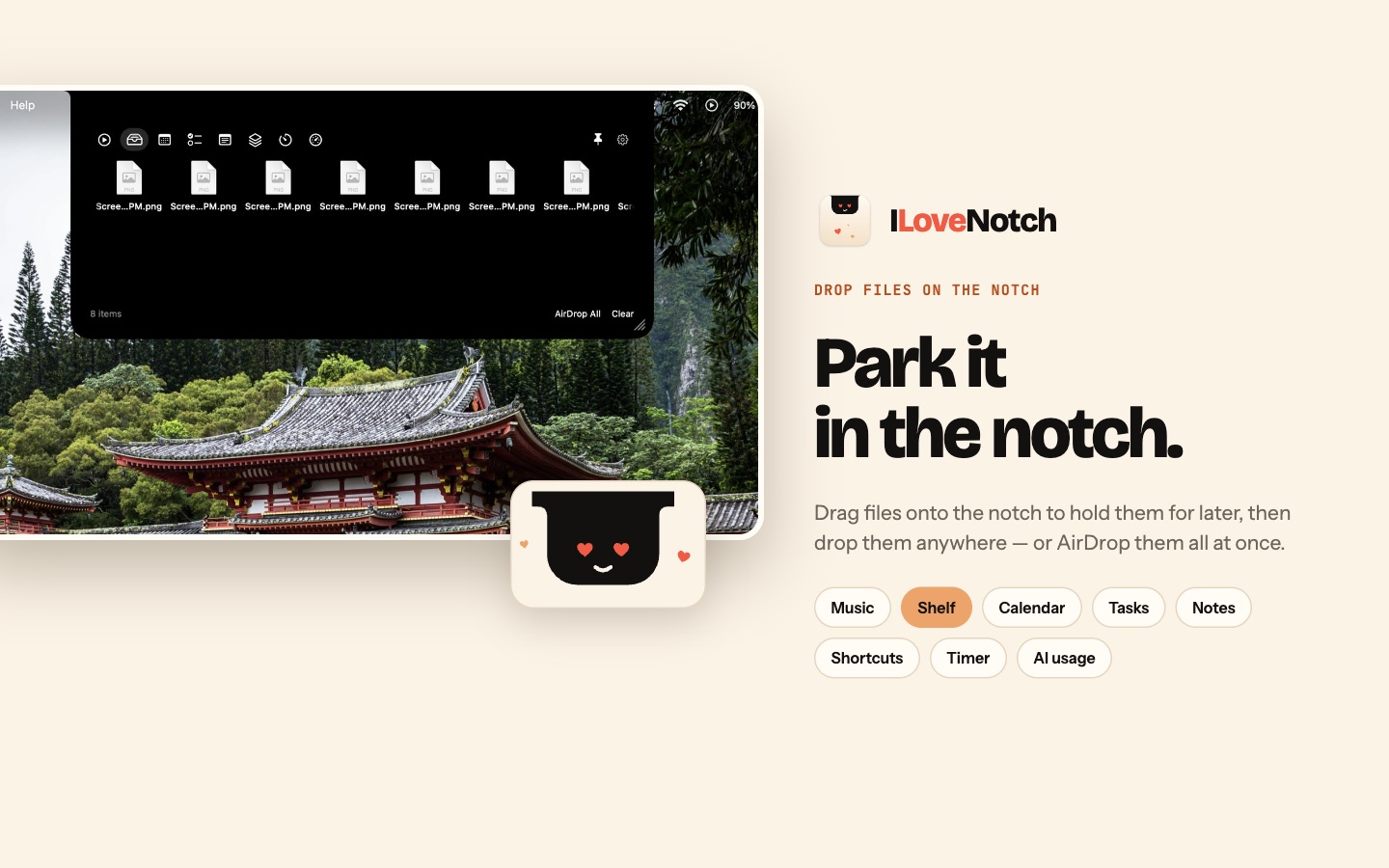
- Shelf. Drop files on the notch, then drag them out, Quick Look them, AirDrop them or send them to an Android phone.
- Clipboard. A searchable history of what you copy, one shortcut away, that skips passwords.
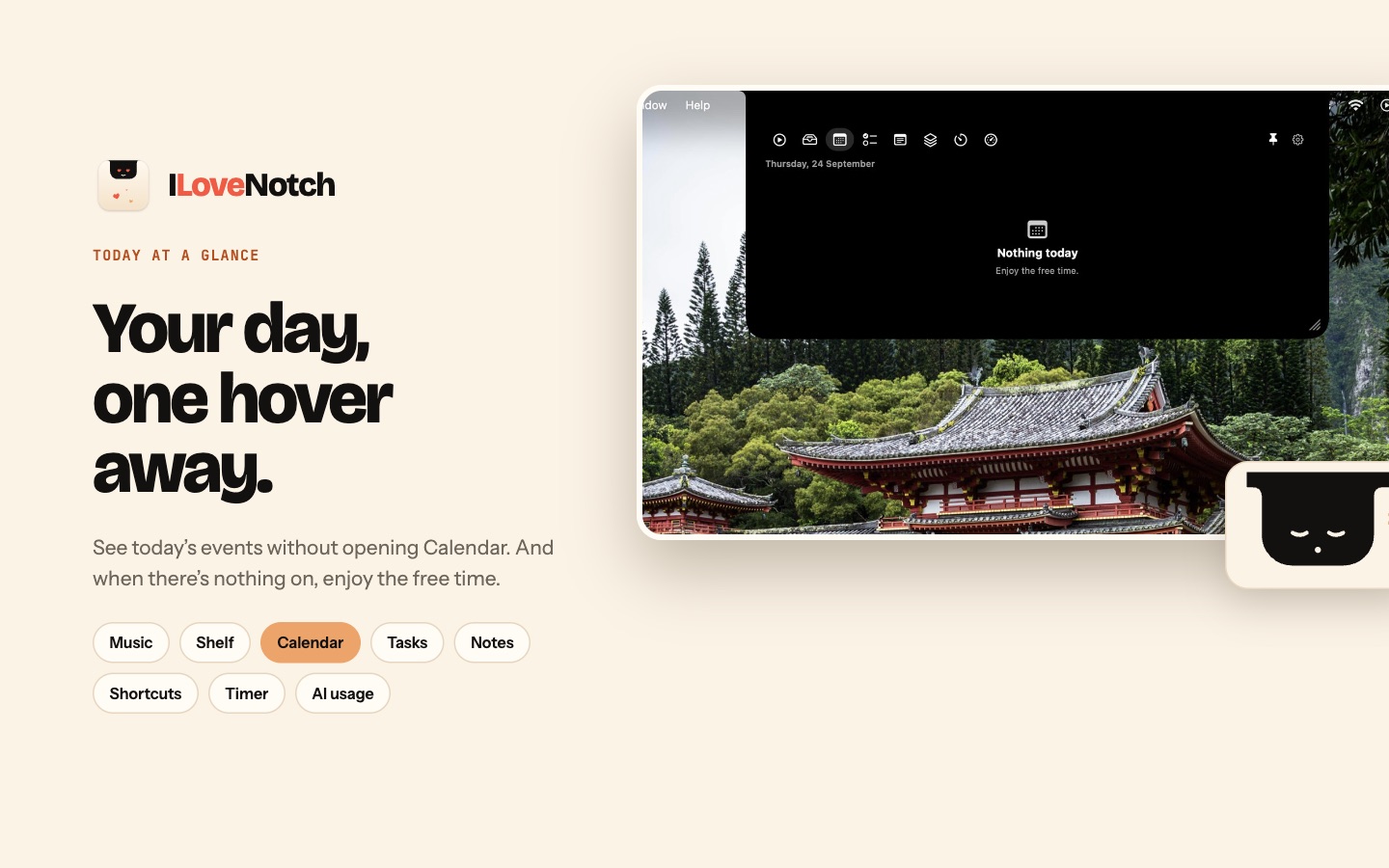
- Calendar and Tasks. Today's events with a Join button for calls, and your Apple Reminders, synced to your iPhone through iCloud.
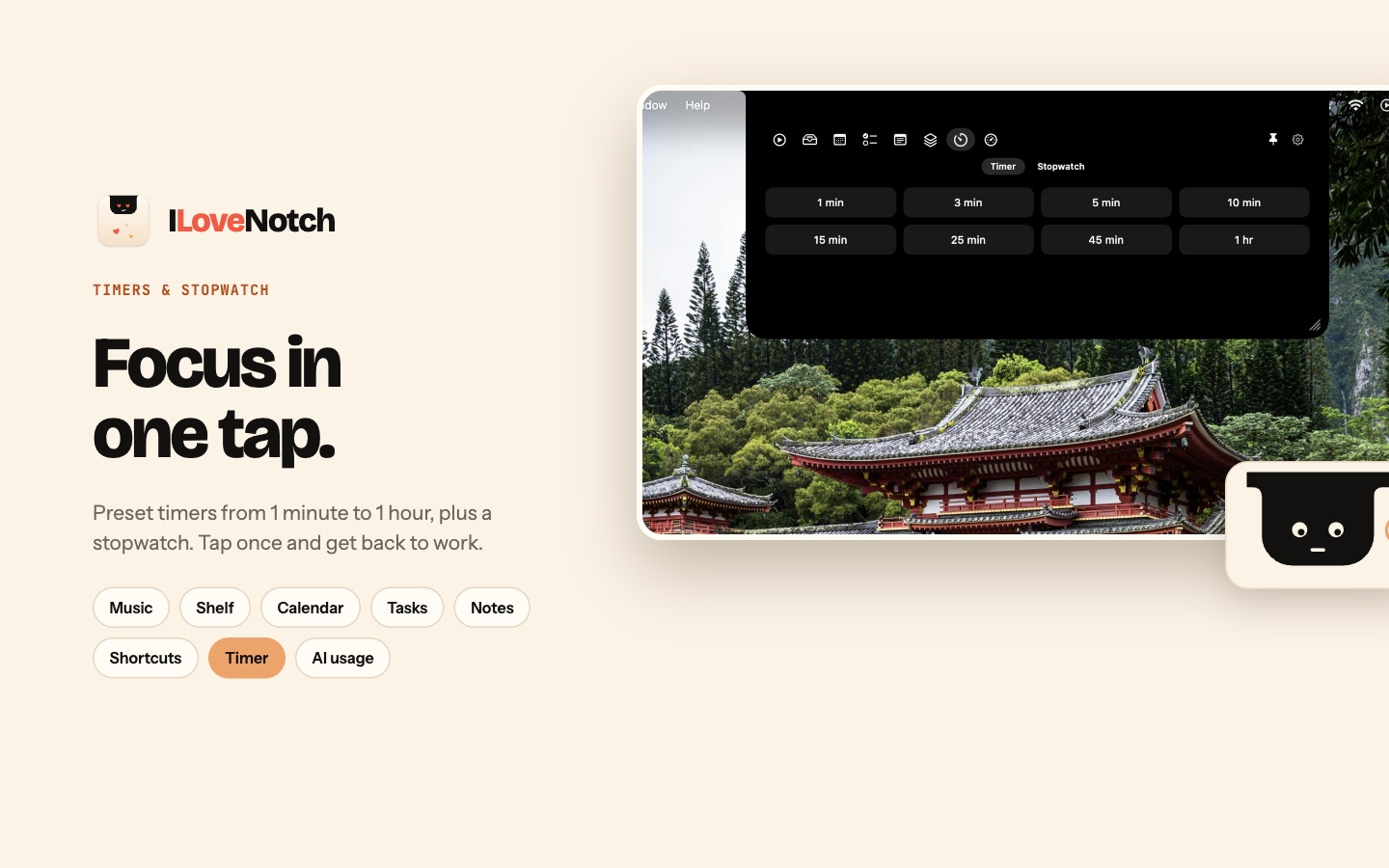
- Notes, Shortcuts, Timer. Markdown notes that save as you type, your shortcuts one click away, timers, a stopwatch and Keep Awake.
- Network. Your download and upload speed as it happens, and how much you've used by the day or month.
- Mirror. Your camera, off until you turn it on, and on only while its tab is open.
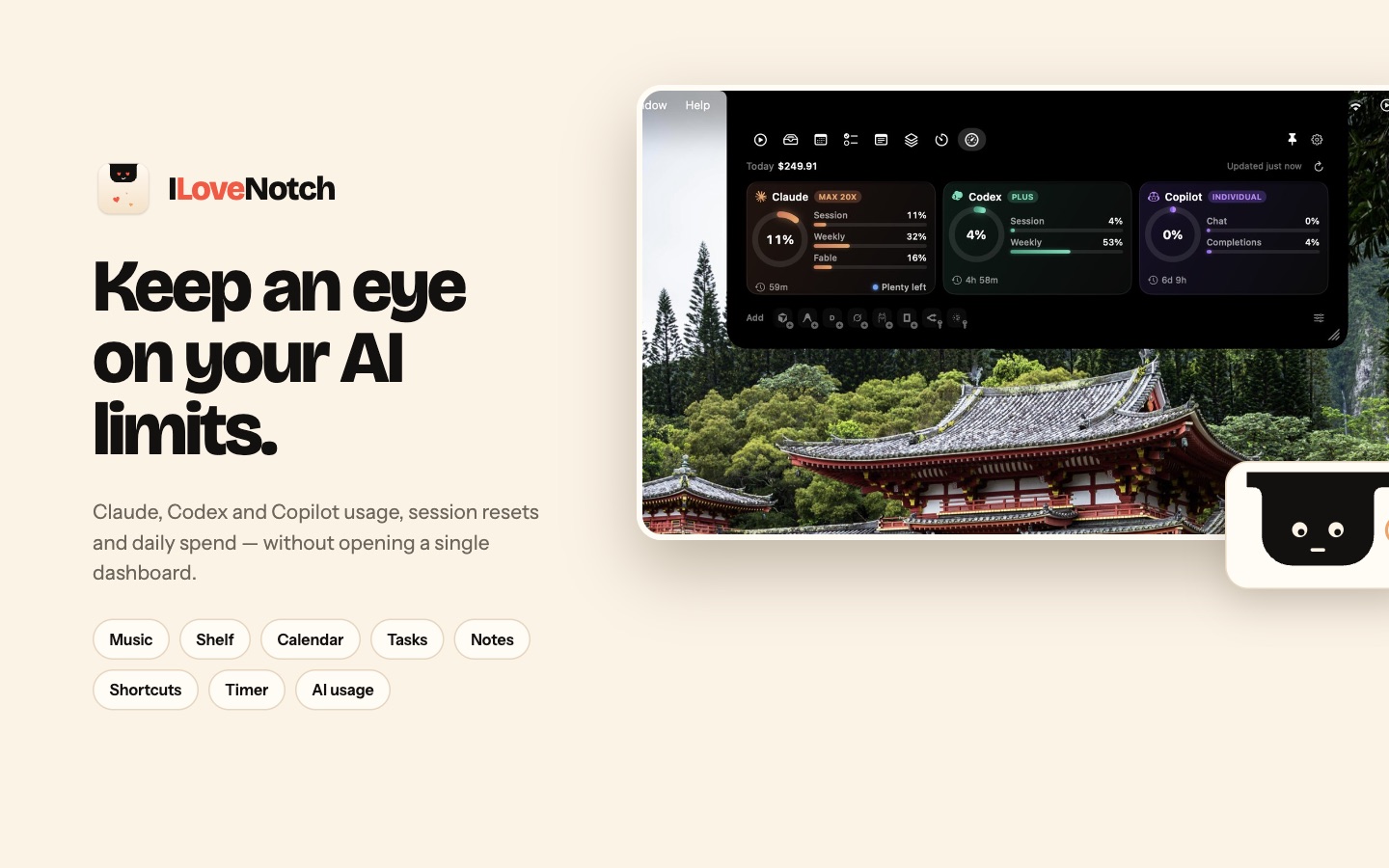
- AI Usage and Agents. Your Claude, Codex, Cursor, Copilot and other plan limits, and a heads-up when an agent needs you (GitHub build).
- Your way. Tabs in your own order, a black or Liquid Glass look, and Settings laid out like System Settings.