Your notch,
now with a life.
music
A small, fast tray right where you’re already looking. Free, open source, and measured at 0.0% CPU at rest.
brew install --cask niyamvora/tap/ilovenotchmacOS 14.6 or later · MIT licensed · Signed and notarized by Apple
Hover the notch, or click its tabs. It’s the real layout, drawn in the browser.
Everything in the notch
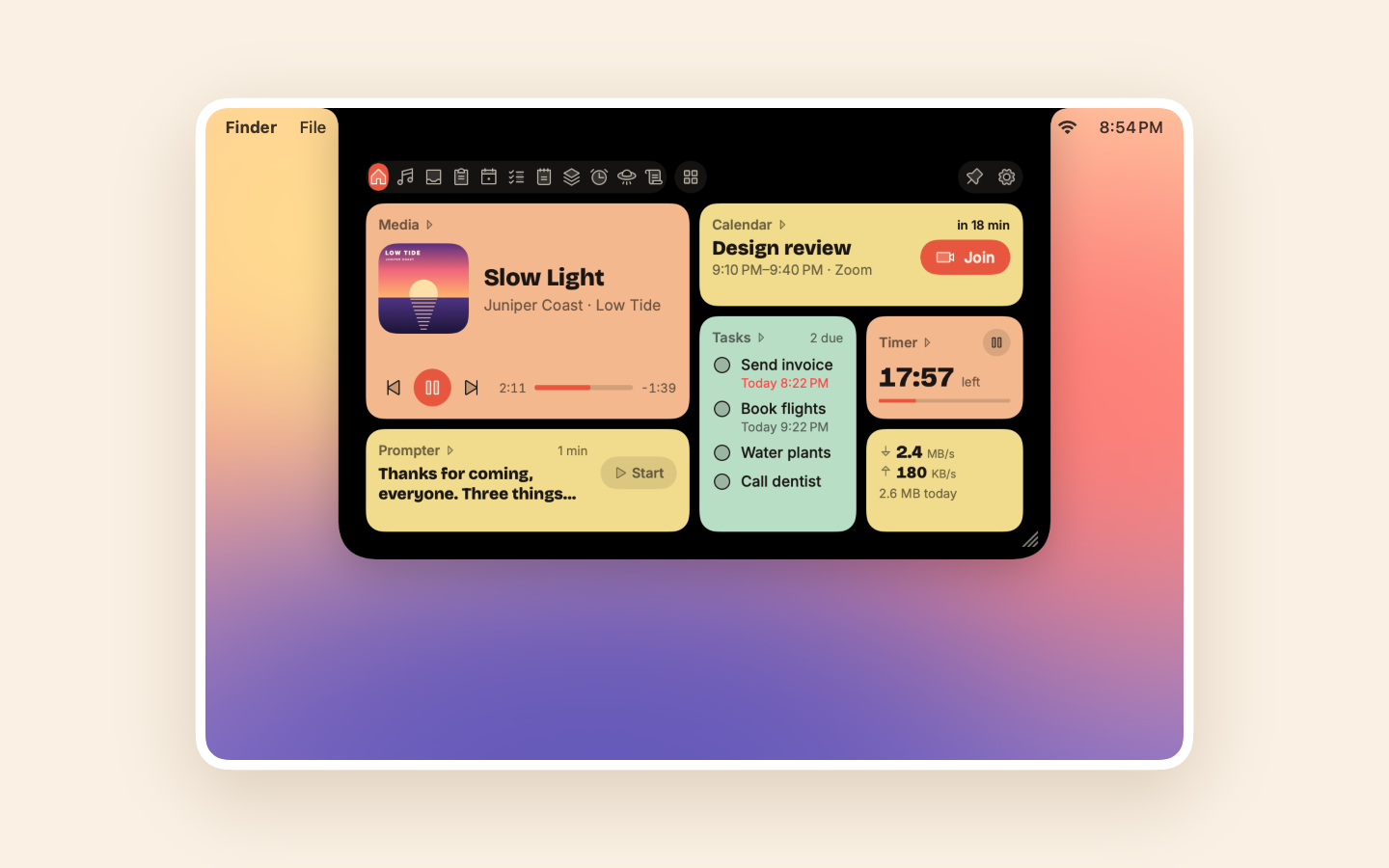
Eighteen things, one hover away.
Each tab sleeps until you open it, so the ones you never use cost nothing.
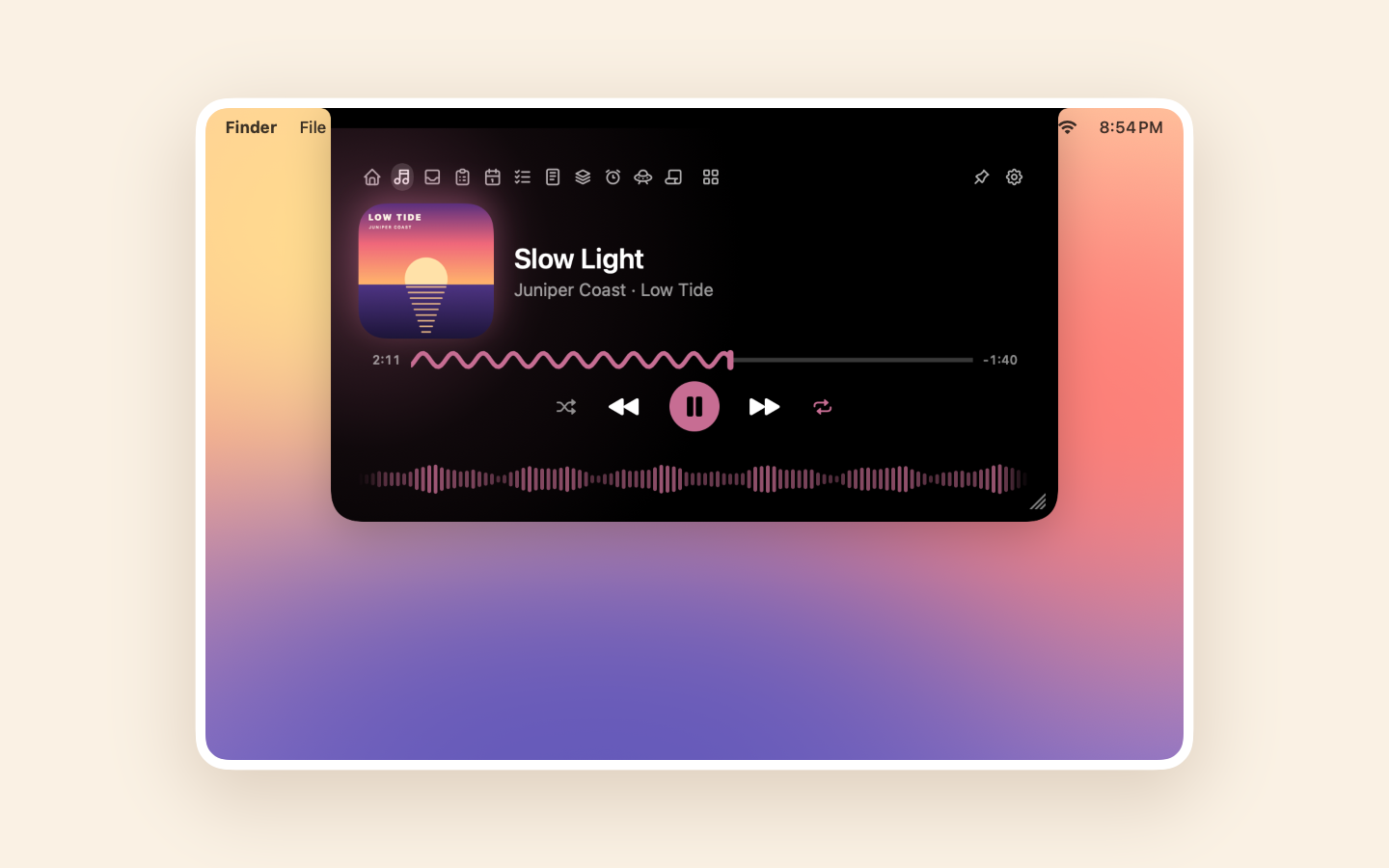
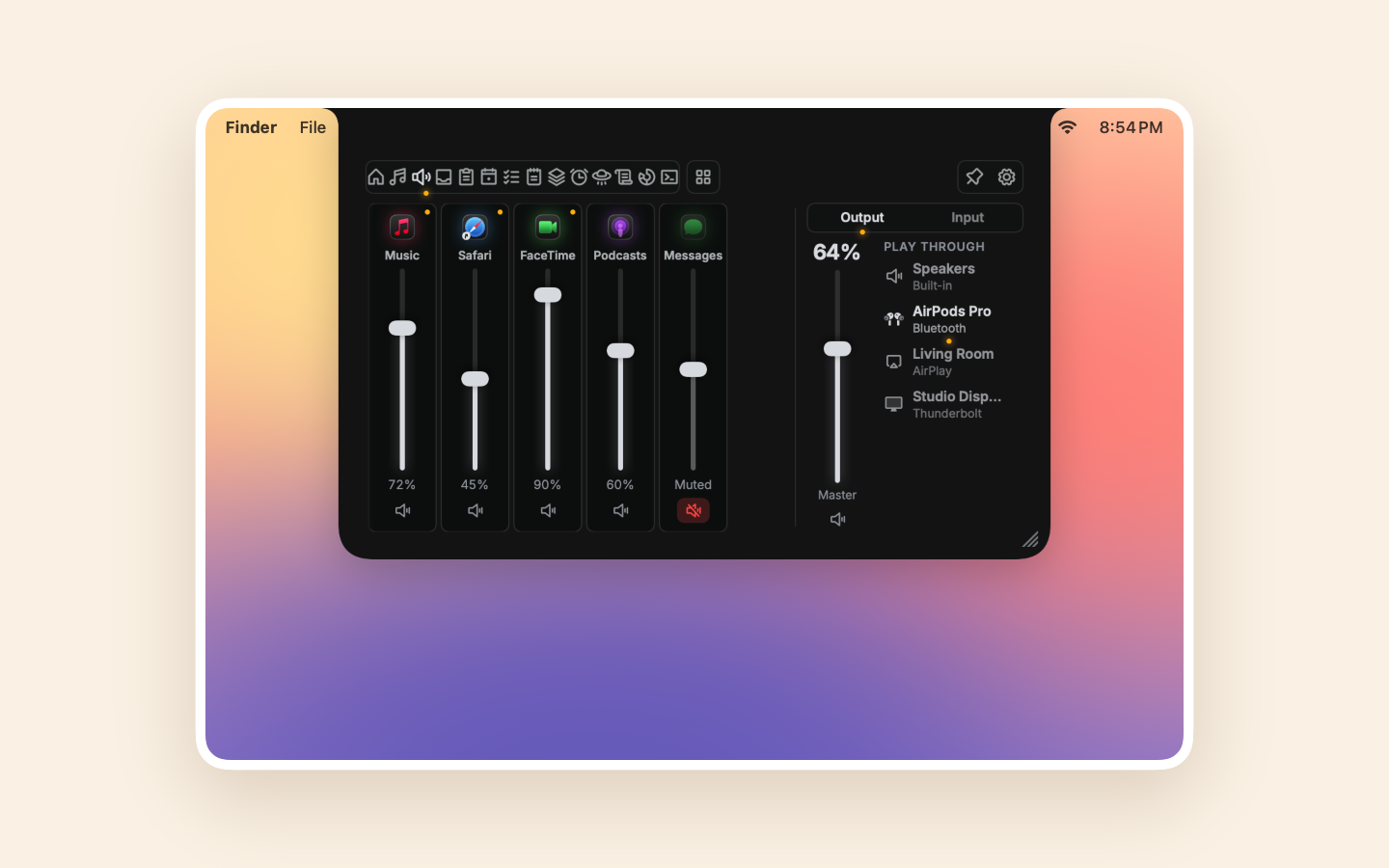
Media
What's playing in any app, led by its cover, with a wavy seek bar and a waveform that moves with the sound.
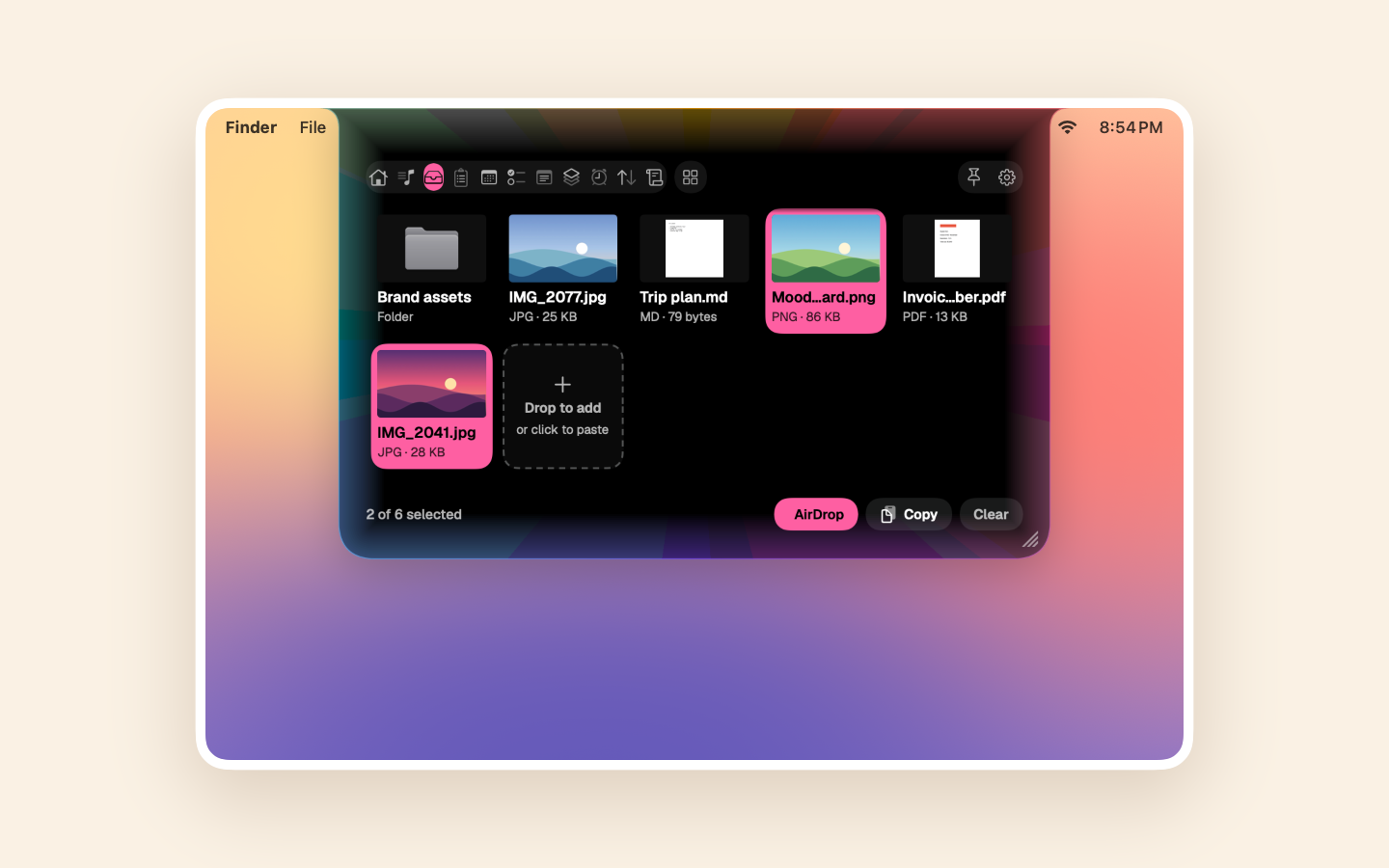
Shelf
Drop files on the notch, where they wait as thumbnail tiles until you drag them out.
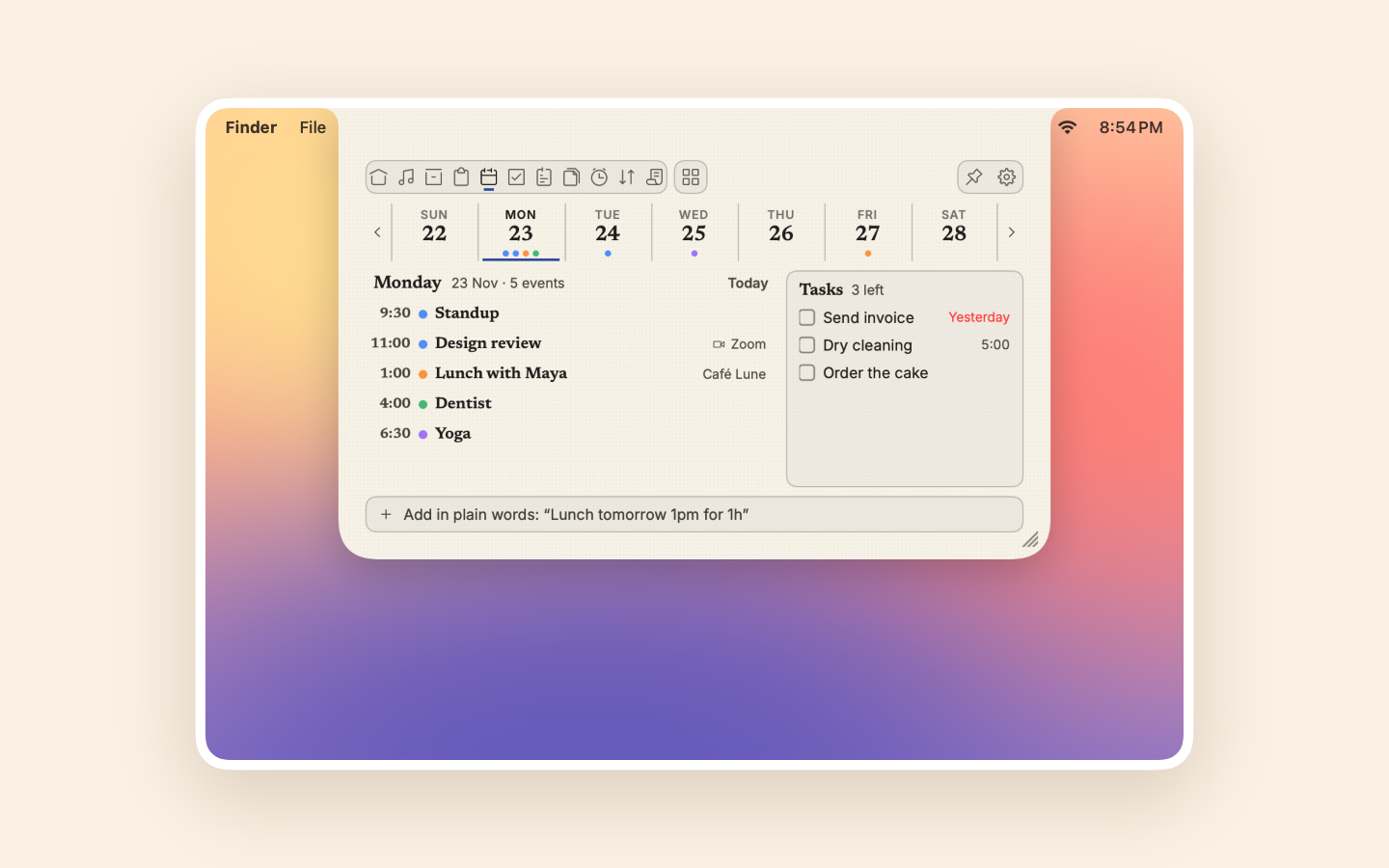
Calendar
The week across the top, the day's events below, and a Join button for your calls.
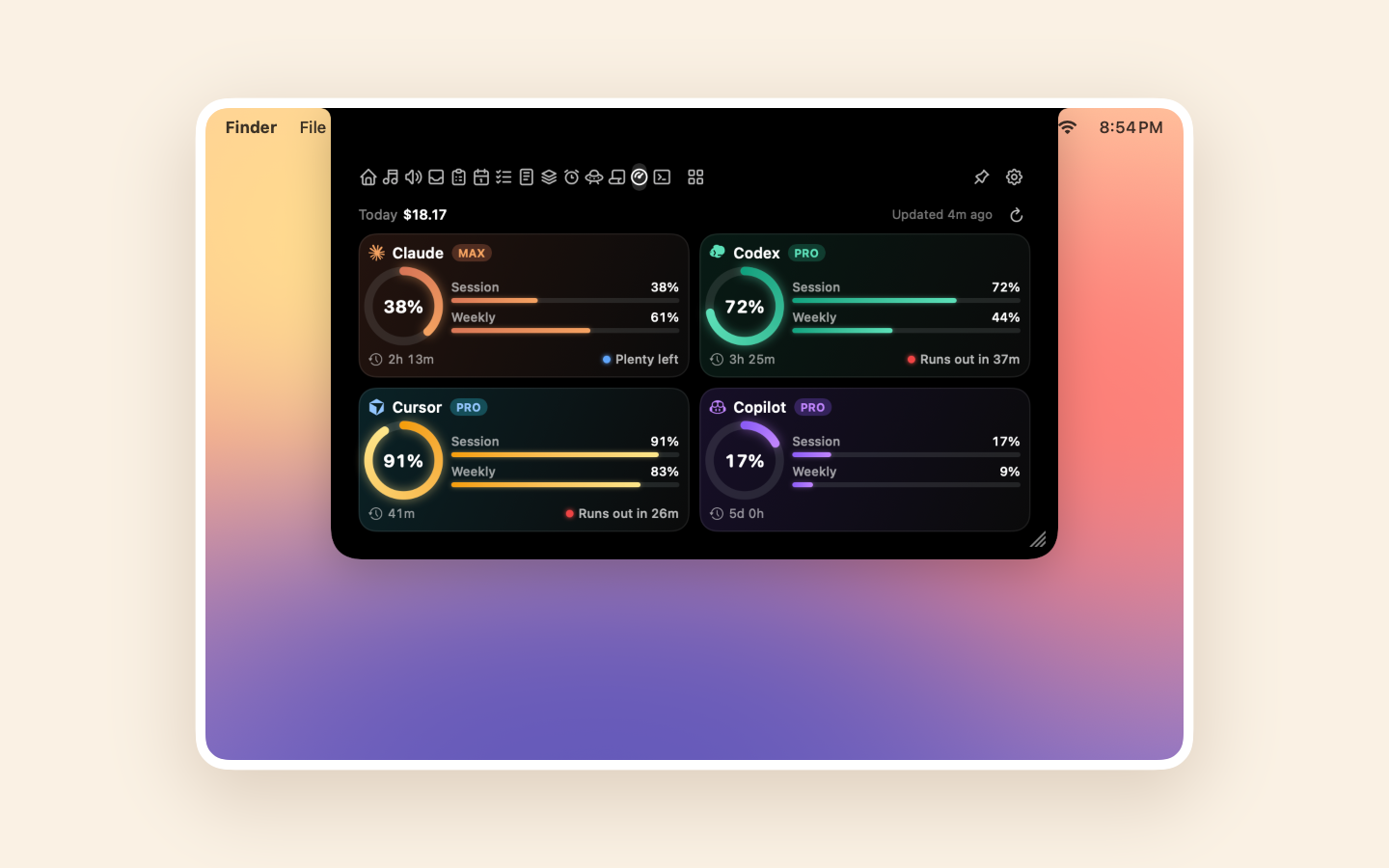
AI Usage
How much of each AI coding plan you've used, for 11 providers.
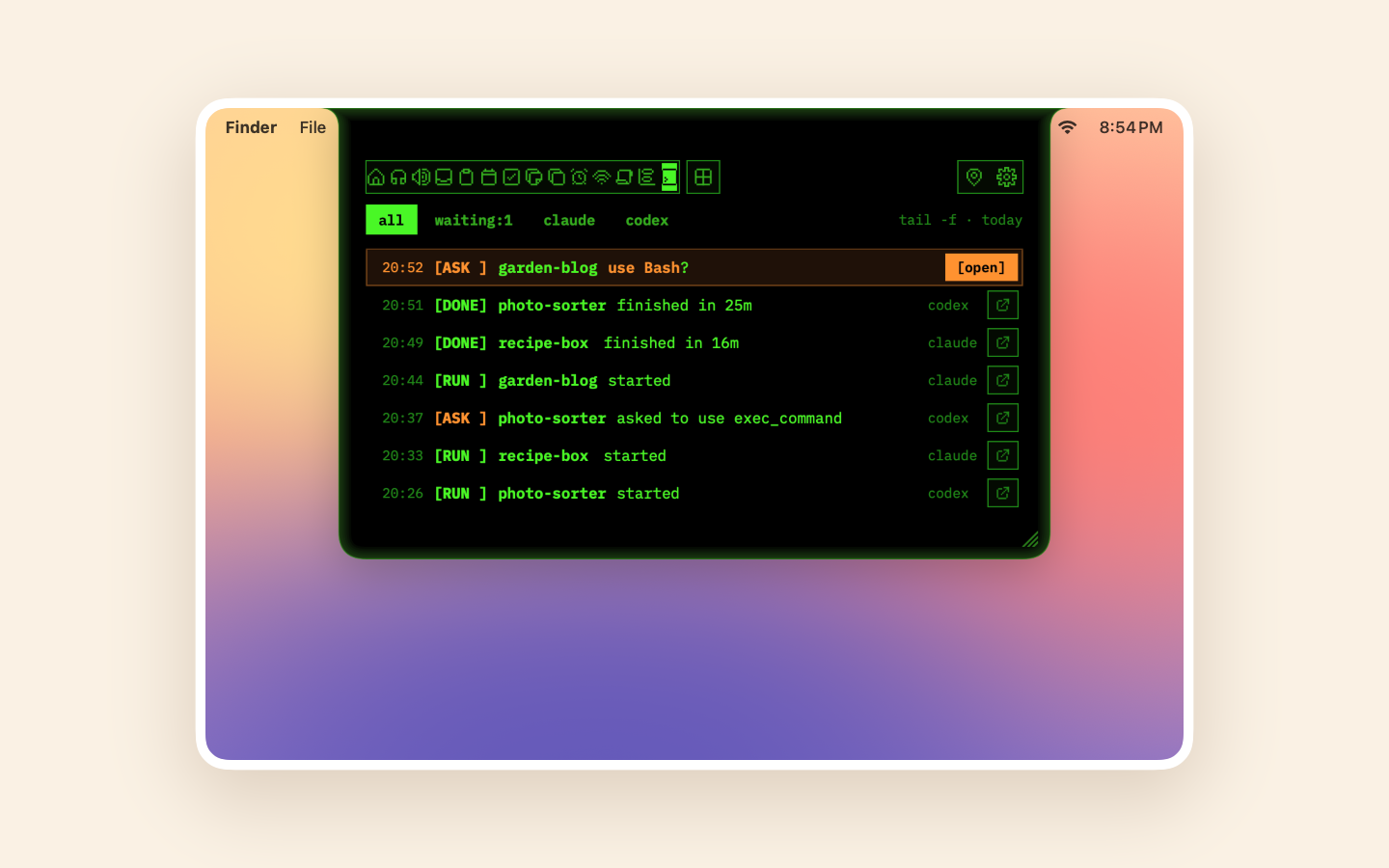
Agents
Know when Claude Code or Codex is waiting for your approval.
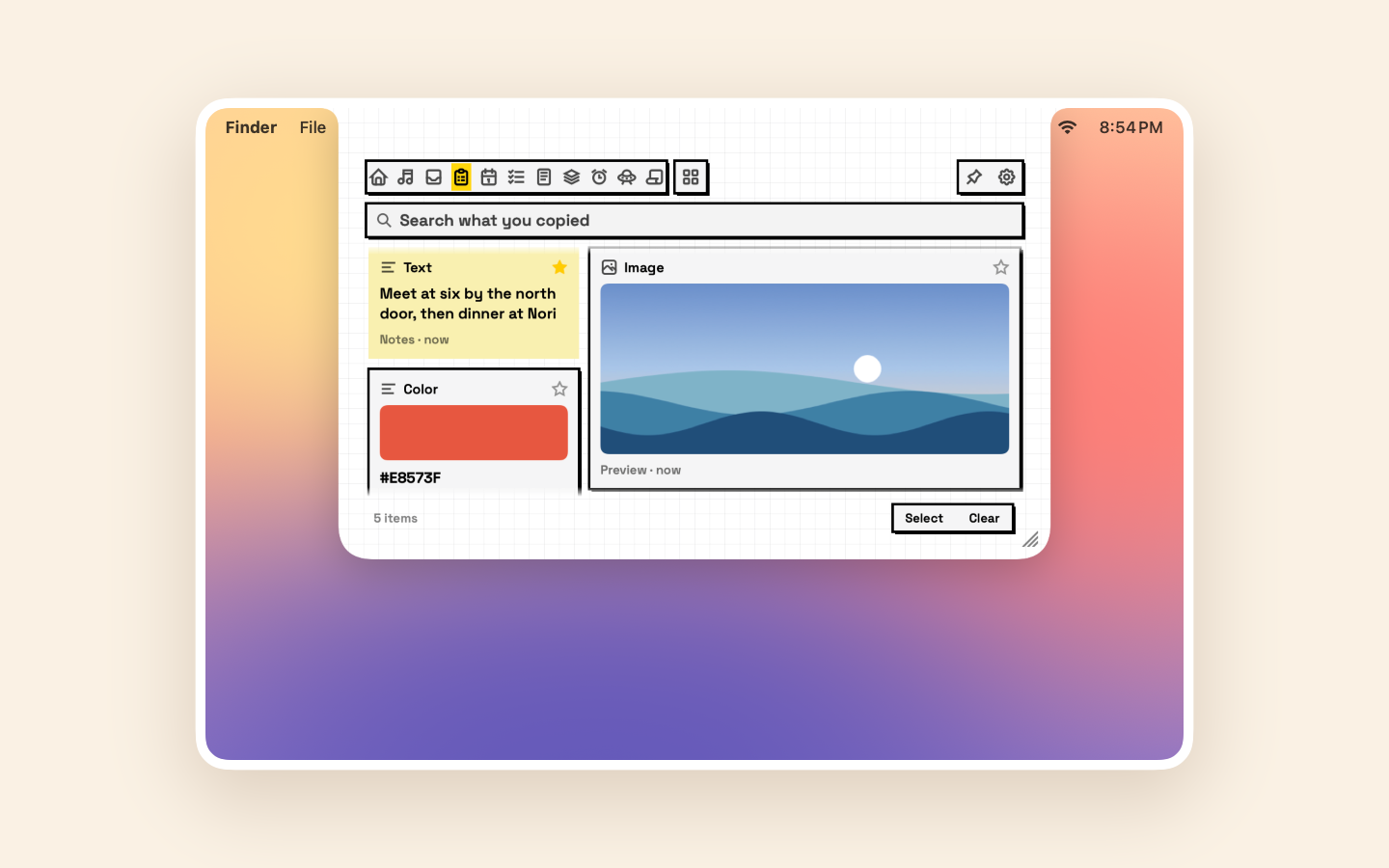
Clipboard
A searchable history of what you copy, one ⌃⌥V away, as a board of cards.
Live activities
It speaks up only when it matters.
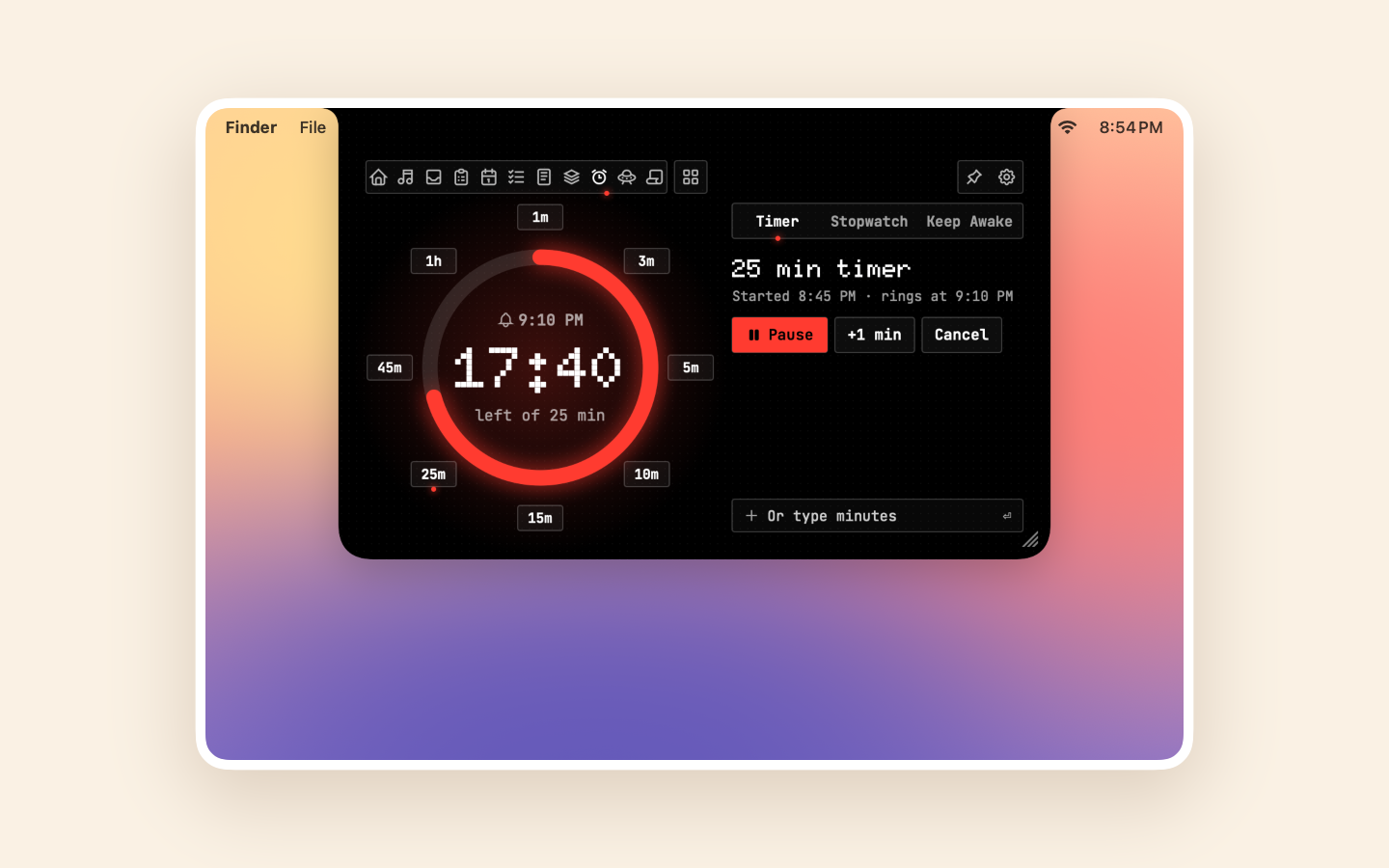
Closed, the notch hides behind the camera until it has something to tell you. One-shot alerts drop in as a row under the camera; ongoing ones, like a call or a timer, sit as a tab beside it, icon and text together.
- Volume and charging
- Calls about to start
- Agents waiting for you
- AI limits at 80% and 95%
- Accessory batteries
- Your own, from Shortcuts
Measured, not assumed
Barely there.
Over a real 20-hour workday it never kept the Mac awake, never woke it, and used less energy than Finder.
No polling timers
Changes arrive as events: hover, clicks, system notifications. Idle app, idle CPU.
Lazy tabs
Each tab is stopped, listening, or on screen. Hidden tabs cost nothing.
Native
SwiftUI and AppKit. No Electron, no web view.
Measured
Signposts on every event, and performance tests in CI.
Built for developers
Your AI limits and agents, under the camera.
AI Usage shows how much of each coding plan you've used, with resets and pace. Agents taps you on the shoulder when Claude Code or Codex is waiting for an approval, and one click takes you back to its terminal.
Every provider is off until you add it, and each sign-in goes only to its own service. Agents never read your prompts or code. Both are in the direct download, since the App Store’s sandbox doesn’t allow them.
✔ ilovenotch was successfully installed!⏺ Wants to run: npm test✋ Notch: Claude Code needs approval in my-app🔨 Notch: Build doneSee it work
A minute with ILoveNotch.
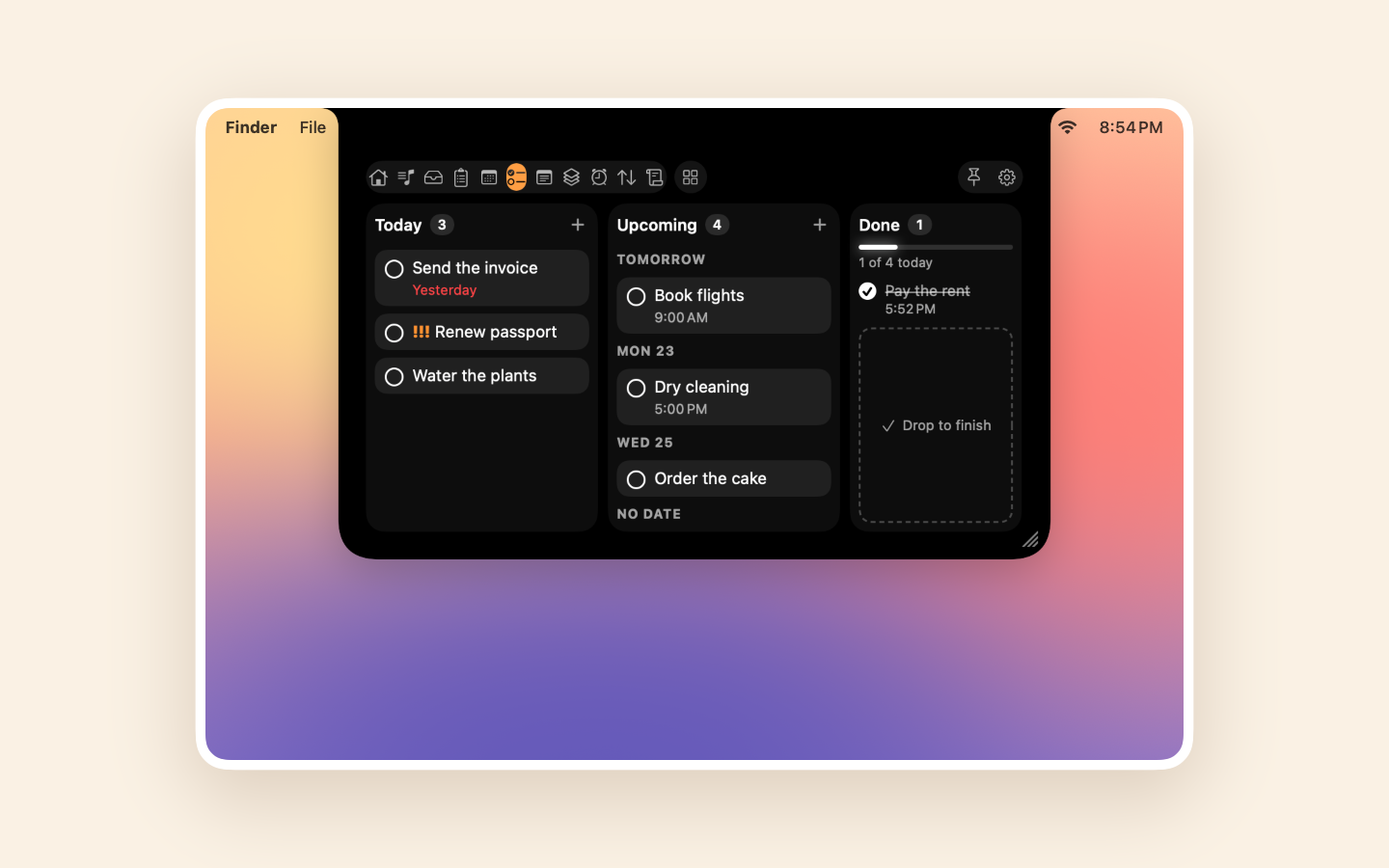
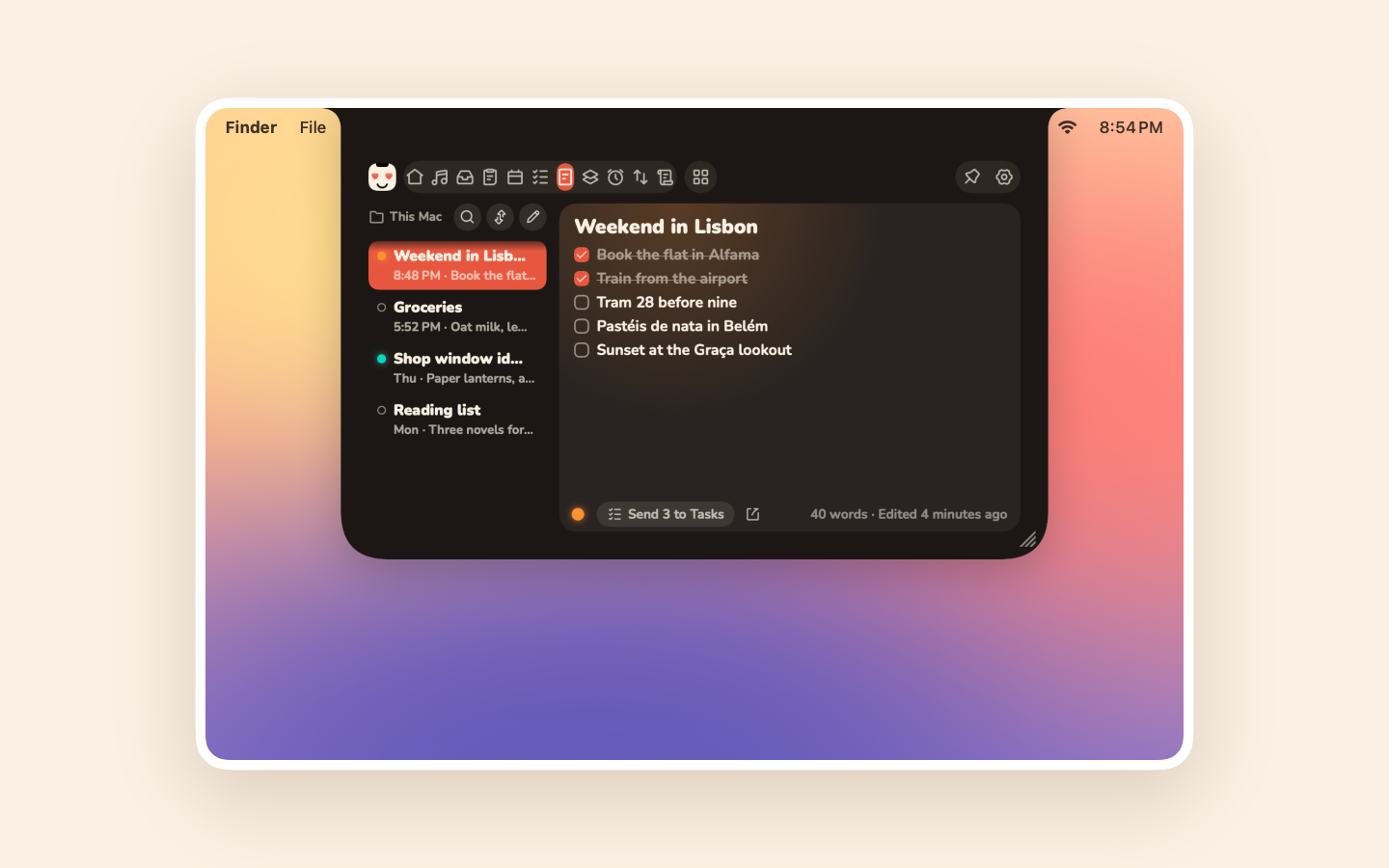
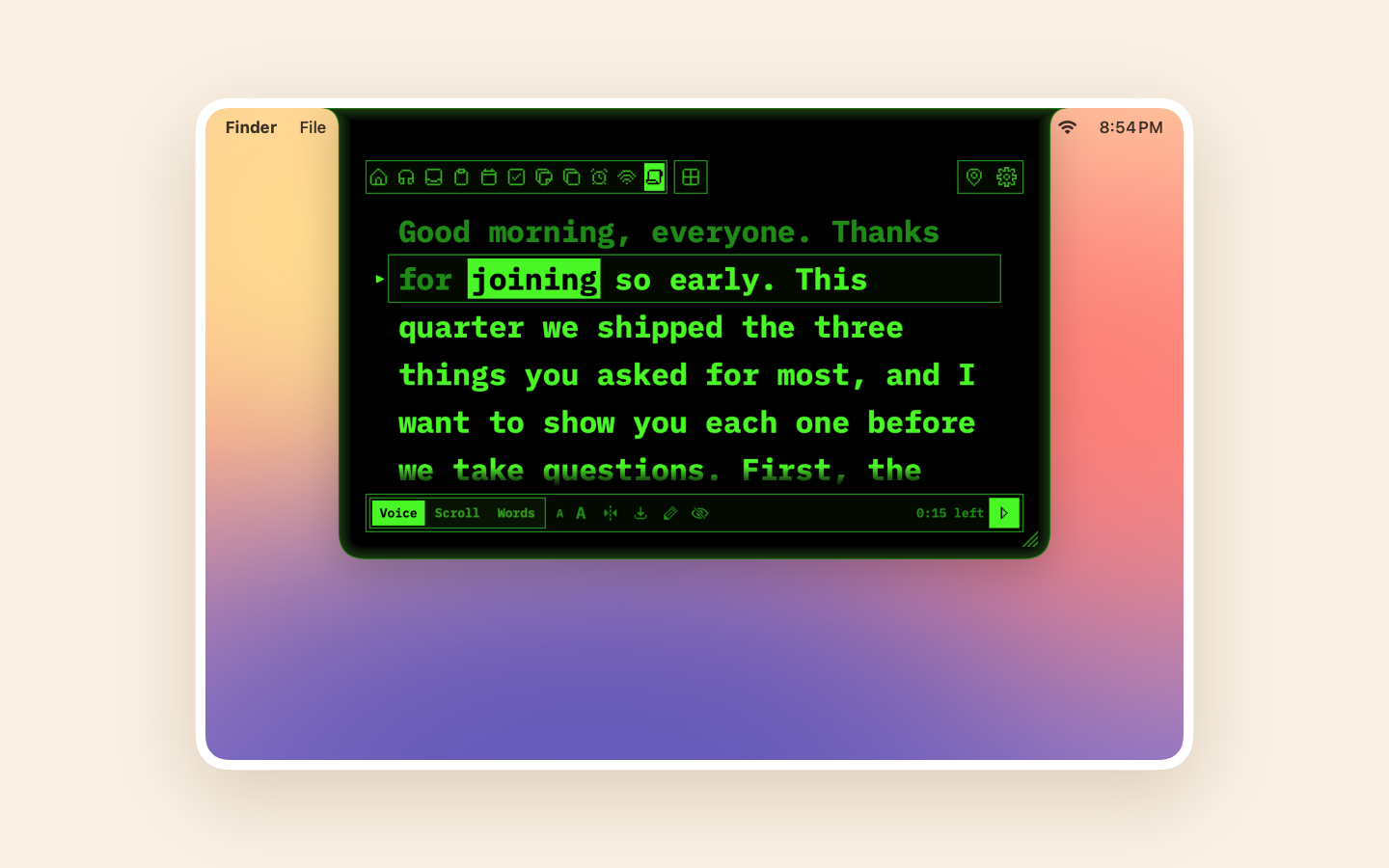
The notch opening, switching tabs, and getting out of the way.
The honest comparison
We read every notch app's feature list.
21 apps on Mac and Windows: what they have, what we have too, and what we don't yet, with what's planned and what we won't build.
What others have that we don’t, yet
How many of those apps list each one.
- Synced lyrics8
- Pomodoro7
- Weather7
- System stats7
- Notifications(won’t build)7
- File conversion6
- Downloads6
- Translations6
- AirPods battery5
New in 2.0
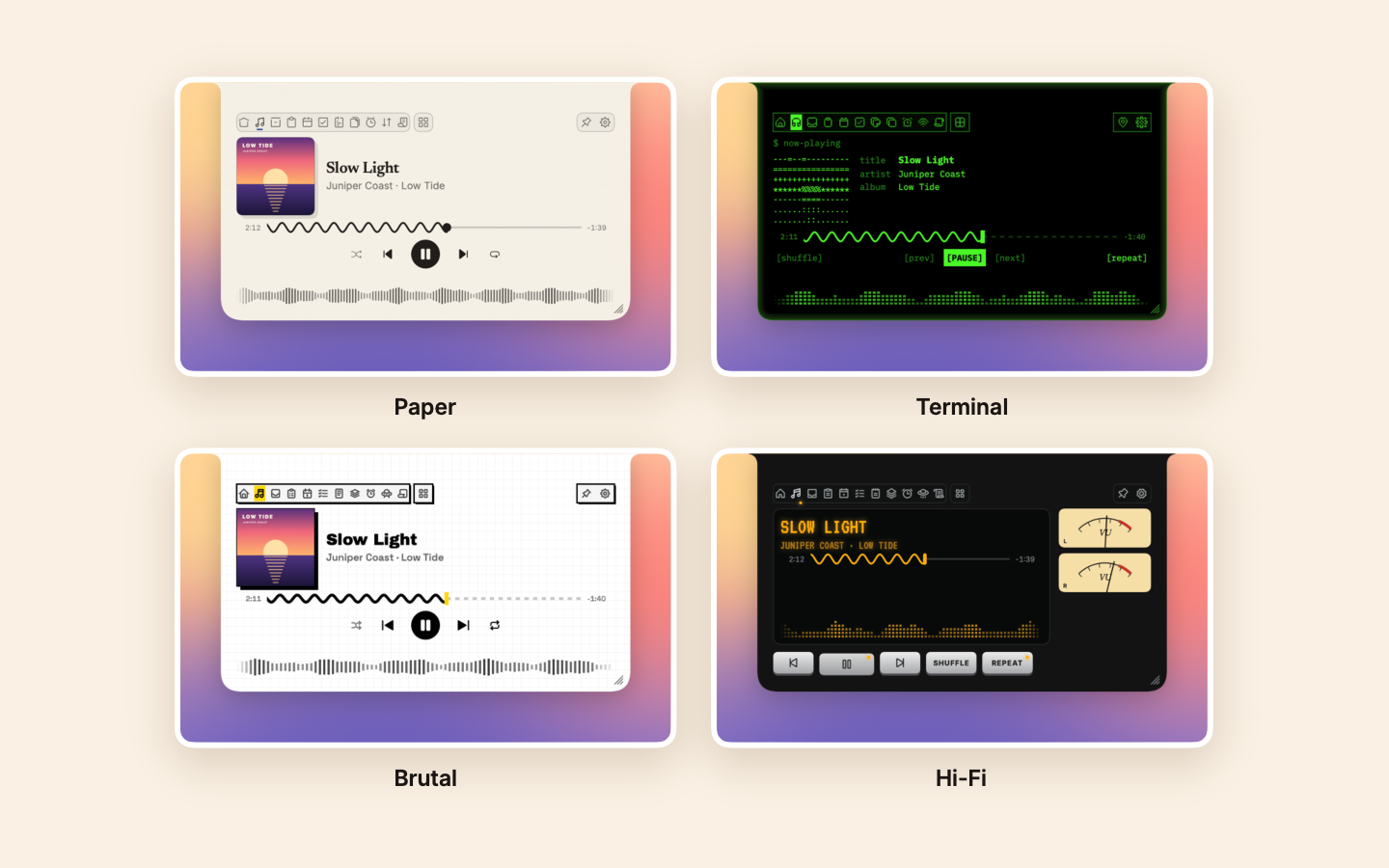
Eleven looks, one notch.
Pick a look and every tab follows it: Paper for daytime, Terminal for your terminal, Hi-Fi for your records.
Private by design
It stays on your Mac.
Permissions are asked for only when you turn on the feature that needs them. The full details are in the privacy policy.
No accounts, no analytics
No telemetry and no device fingerprinting. Ever.
Three network uses
Update checks, the AI providers you add, and sharing on your own Wi-Fi.
Camera only in Mirror
Off until you turn it on, and on only while that tab is open.
Clipboard is opt-in
Off until you turn it on, and it skips passwords.
Questions
Good to know.
Give your notch a life.
Free and open source. macOS 14.6 or later. It updates itself from then on.
Not sure which? Compare the editions